I happened to find this handy tool that allows you to view the models of armor depending on class. It kind of reminds me of Wowhead's online model viewer.
http://bddatabase.net/us/armor/
http://bddatabase.net/us/costume/
Family Name: Dromedes | NA RP Server: Orwen | Channel: Calpheon 2 | Clan: Apocrypha
Wednesday, March 23, 2016
Tuesday, March 22, 2016
Emote Trigger Customization
All this changing my hair is really stressing it out. NOT! I'm loving this too much.
Another thing the character appearance change coupon is good for is changing character mood to a situation too!
Did you also know you can customize an emote so that it triggers based upon a word entered into your chat? You can bring up your emotes by hitting the enter key and clicking on the "S" to the right of the text entry field. Unfortunately you do not have access to some of the emotes and poses until later levels.
QUESTS! EVERYEWHERE!!
You possibly did not know this but there are way more quests than meet the eye. I happened to find this out accidentally when I went into my quest log (The O button) and clicked on the "All" button as it was not toggled on. You can find it on the right side up at the top above the quest list right below the word "Quests".
Once that was toggled on... Tada! Almost EVERY NPC had some kind of quest for me. Processing, Life Skills, and more! As you can see the green and gold quest icons in the picture below are showing for NPCs that don't usually give you quests. You can thank me later!
Monday, March 21, 2016
Visual Armor Guide

Here is an extremely site with pictures if you want to see what all of the armors and costumes look like on different classes and characters. It helps to know before you buy them off the Auction.
BDO Fashion - https://bdofashion.wordpress.com/
Toggle Walk Workaround
To Set Toggle Walk:
This may take some practice. Hit ESC to get to Settings then go to Input. Scroll down the list of key bindings and find Walking. It should be set to Caps Lock by default but that is a pain in the bumbum. So what you do is set it to a key on your number pad--my favorite is the 7 key. Apply and confirm to save it. Now, when you try to walk press the button you set it to instead of Caps Lock and then Number Lock once while you are doing it and it should keep you in walking mode. Hit the 7 and Number Lock again to run. Voila!
Sunday, March 20, 2016
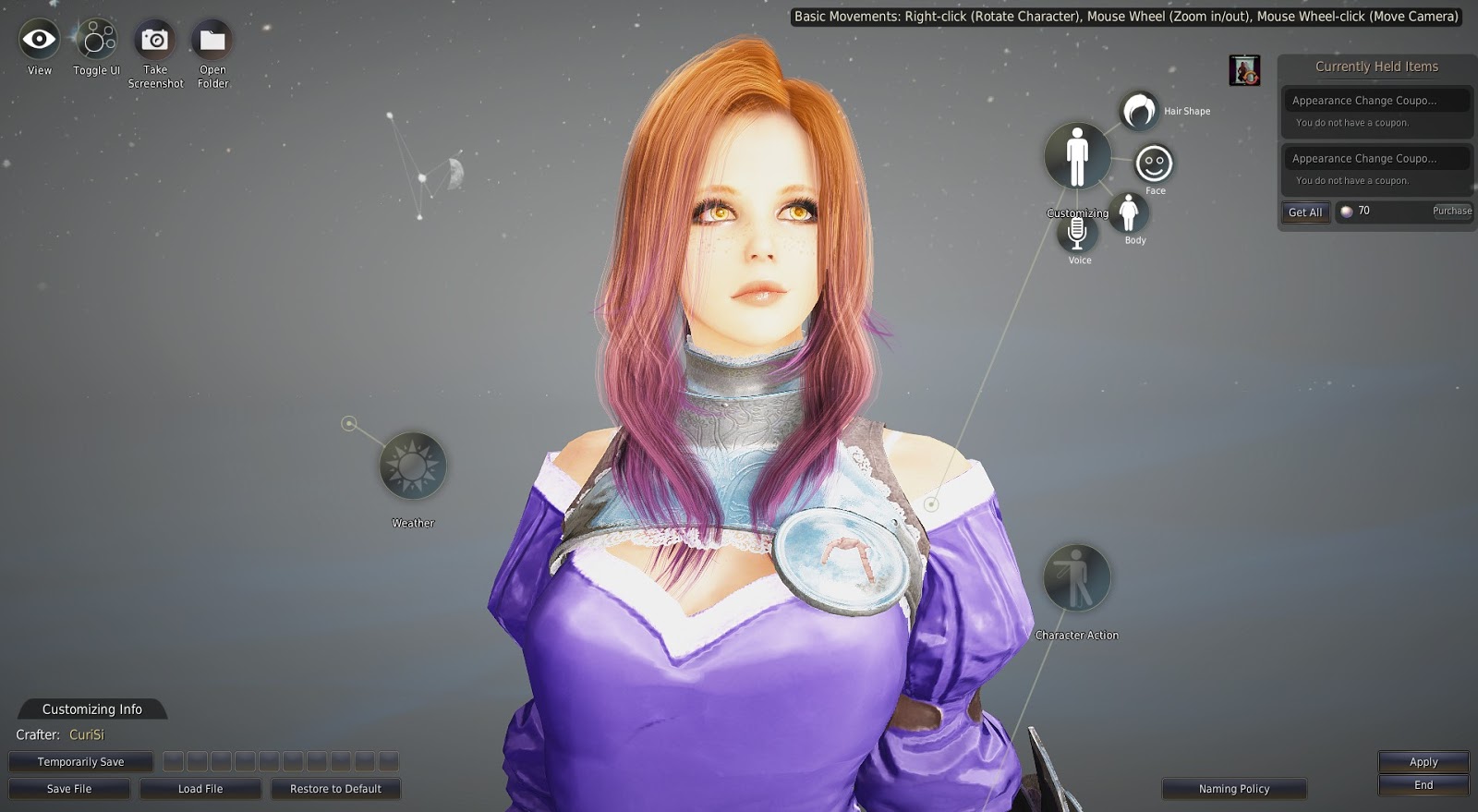
The Beauty Shoppe: Character Appearance Change Coupons!
If you weren't happy with your character's appearance the first time around the Pearl Store offers a single use/one-time Character Appearance Change Coupons in the Beauty section for 800 Pearls (approx. $8.00). However, for only 1000 Pearls (approx. $10) you can get a coupon that allows unlimited changes for ALL of your characters for an entire MONTH! Isn't that fantastic?!
I'm not sure if many of you realize the potential of this! You can literally RP your character changing hairstyles, changing makeup, wounds/scars, getting in shape, growing up, and a whole lot more. The ideas for this are limitless.
You can easily change your character in game by clicking F4 to open the character creation screen and edit away. You can load and save different presets to work with as well.
Attention to Detail: More Lighting
Filtered sunlight through closed translucent windows that changes with the time of day and angle of the sun... WHAAAAAAAT?!
Subscribe to:
Posts (Atom)